XLR vs USB Mics: Which Sounds Better for Streaming?
Is XLR better than USB mic sound quality?
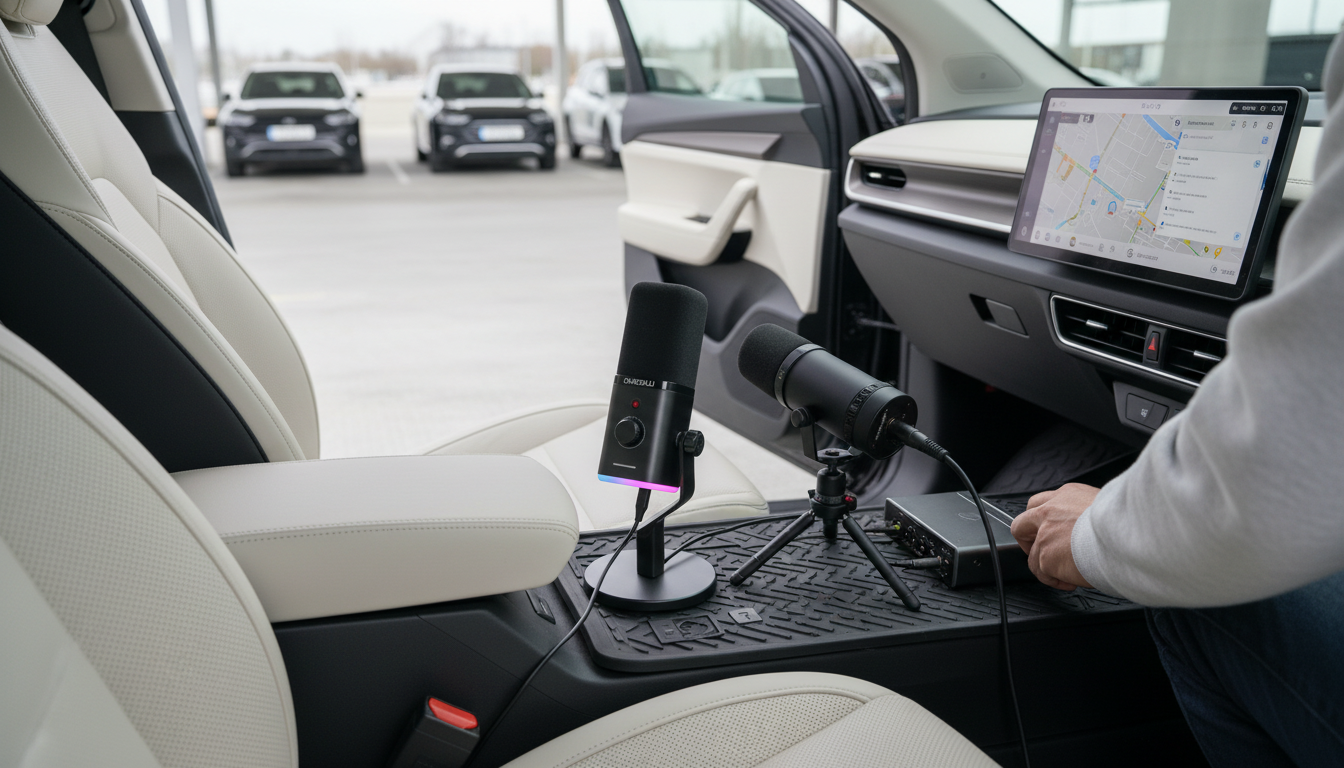
XLR isn’t automatically “better” than USB, but it usually has a higher ceiling for sound quality and control. An XLR mic runs through an audio interface or mixer, which can provide cleaner gain, lower noise, and more consistent performance with demanding microphones. A USB mic combines the mic capsule, preamp, and analog-to-digital converter in one body, so quality depends heavily on how well that all-in-one design is engineered.
When XLR tends to sound better
XLR setups often win when the recording needs a quiet noise floor, strong gain without hiss, and flexibility for upgrades. Many dynamic mics (popular for gaming and streaming) benefit from a solid interface that can deliver enough clean gain, especially if the mic’s output is low. With XLR, you can also swap interfaces, add inline preamps, or adjust input levels and monitoring more precisely, which helps keep voices full and controlled without clipping.
When a USB mic can match (or beat) XLR
A well-designed USB mic can sound excellent, particularly in untreated rooms where background noise and echo matter more than theoretical signal purity. USB also reduces setup mistakes: fewer cables, fewer gain-staging issues, and fewer points of failure. If the mic includes good onboard processing (like noise reduction or a useful pickup pattern) it may produce cleaner results than a budget XLR chain paired with a weak interface.
What matters more than the connector
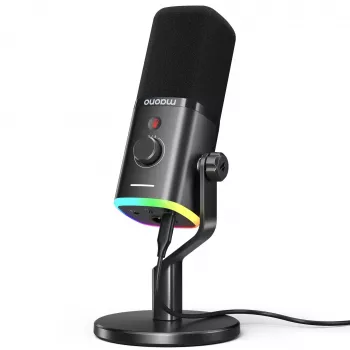
Room acoustics, mic placement, and speaking technique often make the biggest difference. Get the mic close, aim it correctly, and reduce reflections (soft furnishings help). If you’re choosing between USB-C and XLR for a gaming or streaming mic—and want a practical breakdown of features like dynamic capsules, RGB, and noise reduction—see the full guide here: USB-C vs XLR dynamic gaming mic guide.
FAQ
Do I need an audio interface for an XLR microphone?
Yes. An XLR mic needs an audio interface, mixer, or recorder with an XLR input to provide gain and convert the signal to digital for your computer.













Leave a comment