Quiet USB Rechargeable Desk Fan: Up to 30 Hours
Whisper-Quiet USB Rechargeable Desktop Fan with 30H Runtime
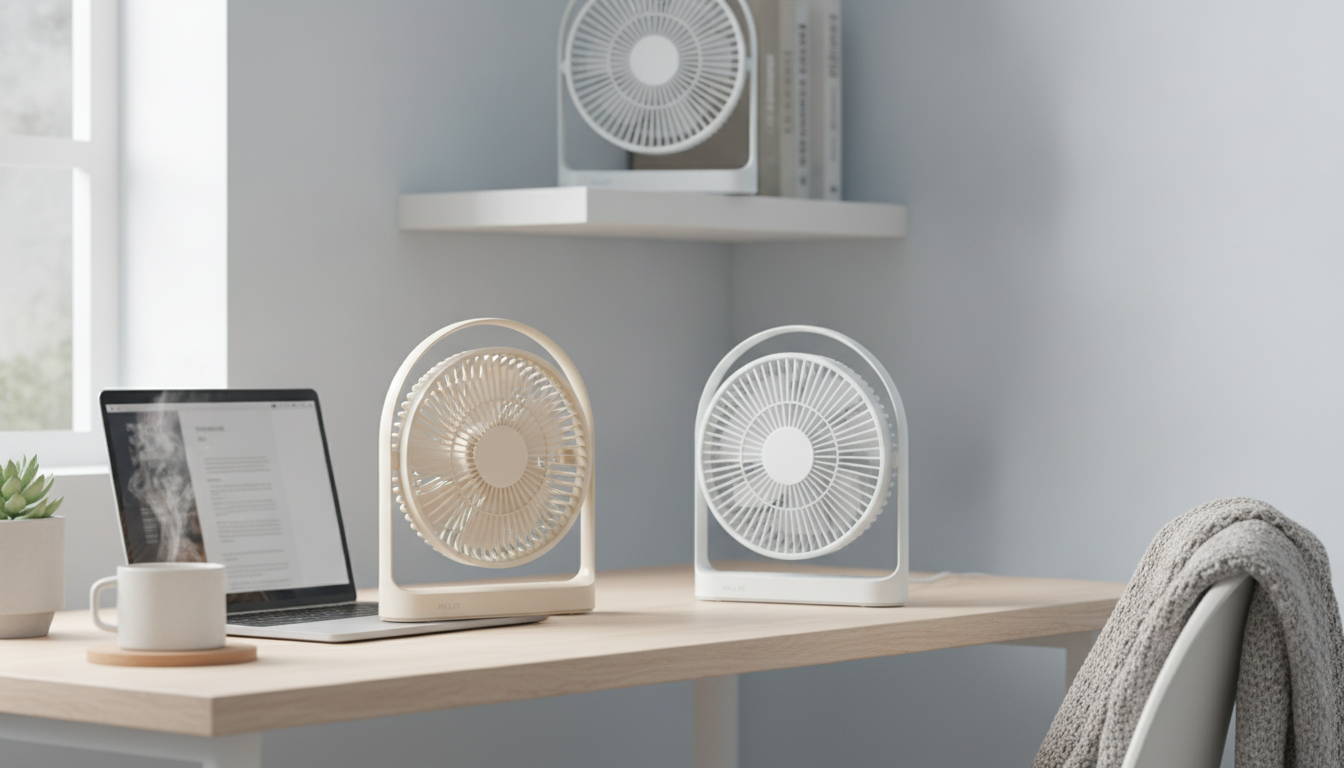
A compact fan that stays quiet enough for focus and sleep while delivering long cordless runtime can make hot rooms, stuffy desks, and power-outage moments far more comfortable. This guide breaks down what to expect from a whisper-quiet USB rechargeable desktop fan with a 30-hour runtime, how to use it day to day, and what features matter most before buying.
What This Fan Is Designed For
- Desk and home-office cooling without distracting sound during calls or deep work
- Nightstand use for gentle air movement while sleeping, with low-light-friendly operation
- Portable comfort for travel, dorm rooms, camping setups, and power outages
- Spot cooling that directs airflow where it’s needed instead of trying to cool an entire room
- Cordless flexibility to place it on a shelf, side table, or anywhere a cable would be inconvenient
Quiet Comfort: Understanding “Whisper-Quiet” in Daily Use
“Whisper-quiet” usually comes down to how smoothly a fan runs, not just how much air it moves. Low-noise models typically use efficient motors, balanced blades, and tighter construction to reduce vibration, rattles, and high-pitch whine.
- Distance matters: the same fan can seem nearly silent on a side table but more noticeable when it’s right next to a microphone or your pillow.
- Surface stability matters: placing a fan on a wobbly desk, a hollow nightstand, or stacked books can amplify vibration. A solid, flat surface keeps the sound profile calmer.
- Airflow needs change: in shared spaces, a lower speed often feels quieter than expected while still improving comfort by boosting evaporation from skin.
- Sleep comfort tip: aim airflow slightly away from the face to reduce dry eyes and throat while still circulating the room.
- Keep it clear: blocked intake or crowded placement can make a fan work harder and sound rougher.
For general context on safe sound exposure, the CDC’s NIOSH noise resources explain how perceived loudness and duration relate to comfort and hearing protection.
Battery and Charging: Making the Most of 30 Hours
A “30-hour runtime” is typically an upper-end estimate that assumes low speed and steady conditions. Higher speeds draw more power, so it’s normal to see shorter run time when you need a stronger blast of air.
- Use low speed overnight: it’s often the best balance of quiet and endurance.
- USB recharging is flexible: top up from a laptop port, wall adapter, car charger, or power bank.
- Battery-friendly habits: avoid storing the fan at 0% for long stretches, and keep it out of extreme heat (like a closed car in summer).
- Pass-through charging (if supported): some fans can run while charging, which is ideal for all-day desk use—confirm this in the product details.
- Emergency ready: pairing with a power bank can extend comfort through outages or long travel days.
Typical Runtime Expectations by Use Case
| Use case | Common speed | What to expect from a long-runtime battery |
|---|---|---|
| Overnight sleep | Low | Steady airflow with minimal disturbance; often the best setting for maximum hours |
| Workday at a desk | Low–Medium | Comfortable spot cooling during peak heat; recharge breaks may be unnecessary |
| Quick cooldown after commuting | High | Stronger airflow for short bursts; runtime decreases faster |
| Power outage backup | Low–Medium | Extended comfort when used intermittently and strategically |
Placement, Airflow Direction, and Room Strategy
Small fans feel more effective when they’re used as part of a room plan. You’re not trying to “cool the air” as much as you’re trying to move air across the body and help heat leave faster.
- Support cross-ventilation: if a doorway or window is open, aim the fan to help pull fresh air through the space.
- Desk placement: position the fan about 1–3 feet away and angle it slightly upward so airflow hits the torso rather than the eyes.
- Bedroom placement: aim airflow to circulate the room instead of blowing straight into bedding to reduce chill and dryness.
- Give it breathing room: keep a few inches of clearance behind the fan for smoother intake and less turbulence.
- Block heat gain: close curtains/blinds during peak sun, then ventilate later when outdoor temps drop.
The U.S. Department of Energy also outlines practical ways to use fans efficiently for comfort in warm weather on its Fans for Cooling page.
Care, Cleaning, and Noise Prevention Over Time
When a USB Rechargeable Desktop Fan Makes the Most Sense
Product Options (In Stock)
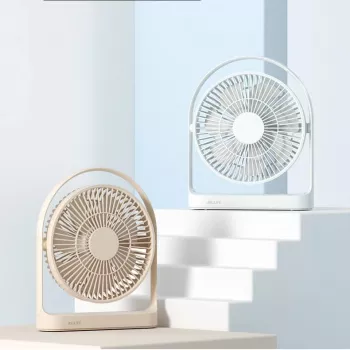
- Whisper-Quiet USB Rechargeable Desktop Fan with 30H Runtime — compact spot cooling designed for quiet operation and long cordless use; ideal for desks, bedside tables, and travel.
- Elegant Soft Leather Small Shoulder Bag — a sleek way to carry small essentials during commutes and trips where portable comfort gear (like a compact fan) is handy.
- Marble Travertine Taper Candle Holder for Home Decor and Elegant Events — a simple upgrade for a nightstand or desk setup when you’re building a calmer, more comfortable space.
FAQ
How can a desktop fan run up to 30 hours on a charge?
Runtime depends heavily on the speed setting and battery capacity. Low speed uses far less power than high speed, so using higher airflow in short bursts and cruising on low the rest of the time can stretch a charge significantly.
Can a USB rechargeable fan be used while charging?
Some models support pass-through use (running while charging), while others require charging with the fan off. Check the product specifications and use a stable power source to avoid performance drops.
What makes a fan feel quieter in a bedroom or office?
Place it on a stable, solid surface, keep clearance around intake and exhaust, and use lower speeds when possible. Reducing vibration—by keeping it level and away from objects that can rattle—also makes the sound seem much softer.













Leave a comment