Dynamic Microphones for Gaming: Worth It?
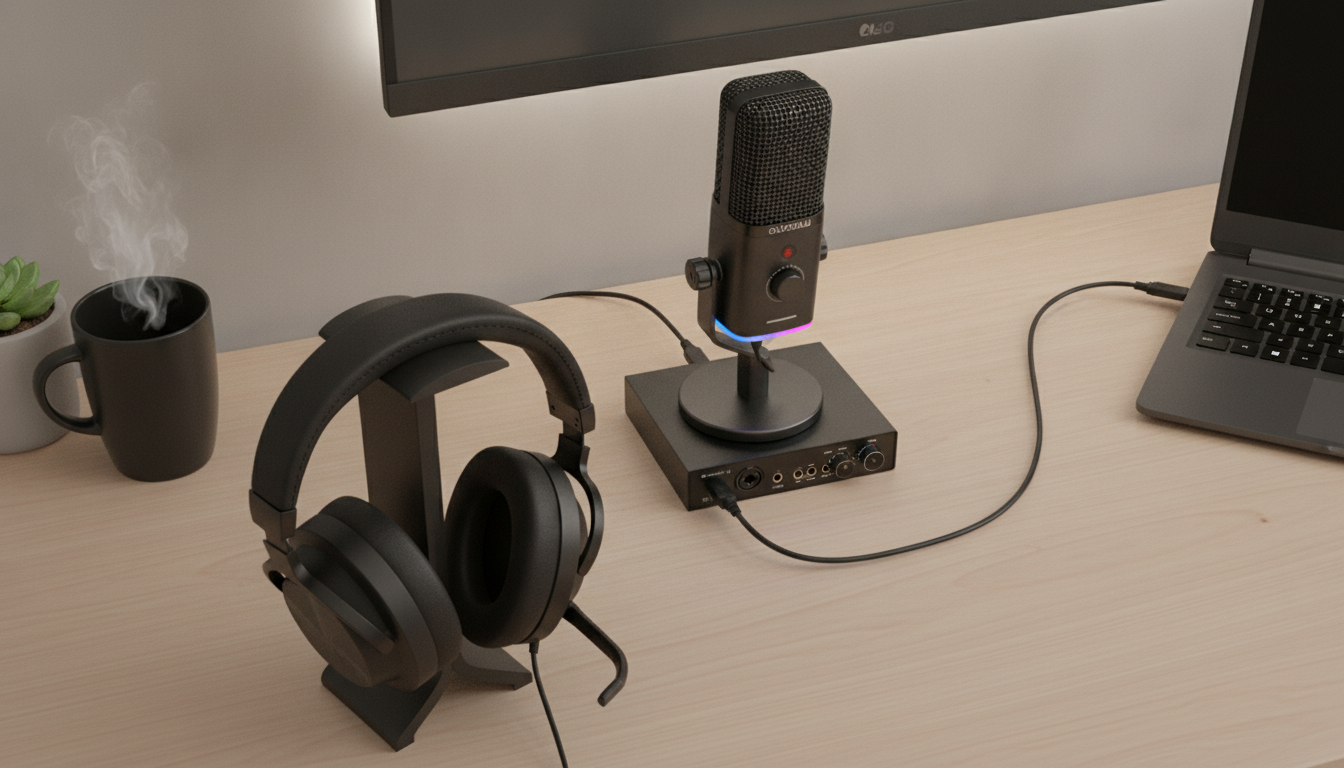
Is a dynamic microphone good for gaming?
Yes—dynamic microphones are often a great choice for gaming, especially in real-world rooms that aren’t treated for sound. A dynamic mic is less sensitive than a condenser mic, which means it tends to pick up less keyboard clatter, PC fan noise, and room echo. That can translate to clearer, more controlled voice chat for teammates and cleaner audio for streaming.
Why dynamic mics work well in typical gaming setups
Most gaming desks are noisy: mechanical switches, mouse clicks, and a computer tower running nearby. Because dynamic microphones usually require you to speak closer to the capsule, your voice becomes the dominant sound while background noise drops in relative volume. This “close-talk” style is ideal for Discord, in-game chat, and streaming when you want your voice to stay upfront without relying on aggressive noise suppression.
What to know before choosing one
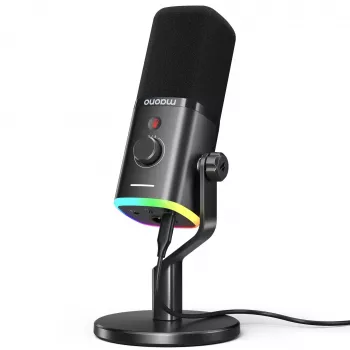
Dynamic mics can be quieter than condensers, so the quality of your connection matters. Many models sound best through an audio interface or a strong XLR preamp, though some newer gaming-focused options support USB for convenience. Proper mic technique also helps: keep the mic a few inches from your mouth, aim it slightly off-axis to reduce plosives, and use a pop filter or windscreen if possible.
Dynamic vs. condenser for gaming
If your room is untreated or you share your space with other noise sources, dynamic is typically the safer bet. If your room is quiet and you want more detail and “air,” a condenser can sound more open—but it’s also more likely to capture everything around you. For most gamers who want consistent results day-to-day, dynamic microphones deliver a dependable, broadcast-style sound with fewer surprises.
For a deeper breakdown of USB vs. XLR setups, RGB gaming mic features, and practical noise-reduction tips, see the full guide here: https://enticinghitsbay.shop/guide-usb-c-xlr-dynamic-rgb-gaming-mic-noise-reduction/.
FAQ
Do I need an audio interface for a dynamic microphone?
Not always. If the mic is USB, you can plug it directly into your PC; with XLR, an interface or mixer is typically needed to provide enough clean gain and control.













Leave a comment