LED LCD vs Smart TV: How to Tell the Difference
Is an LED LCD TV a smart TV?
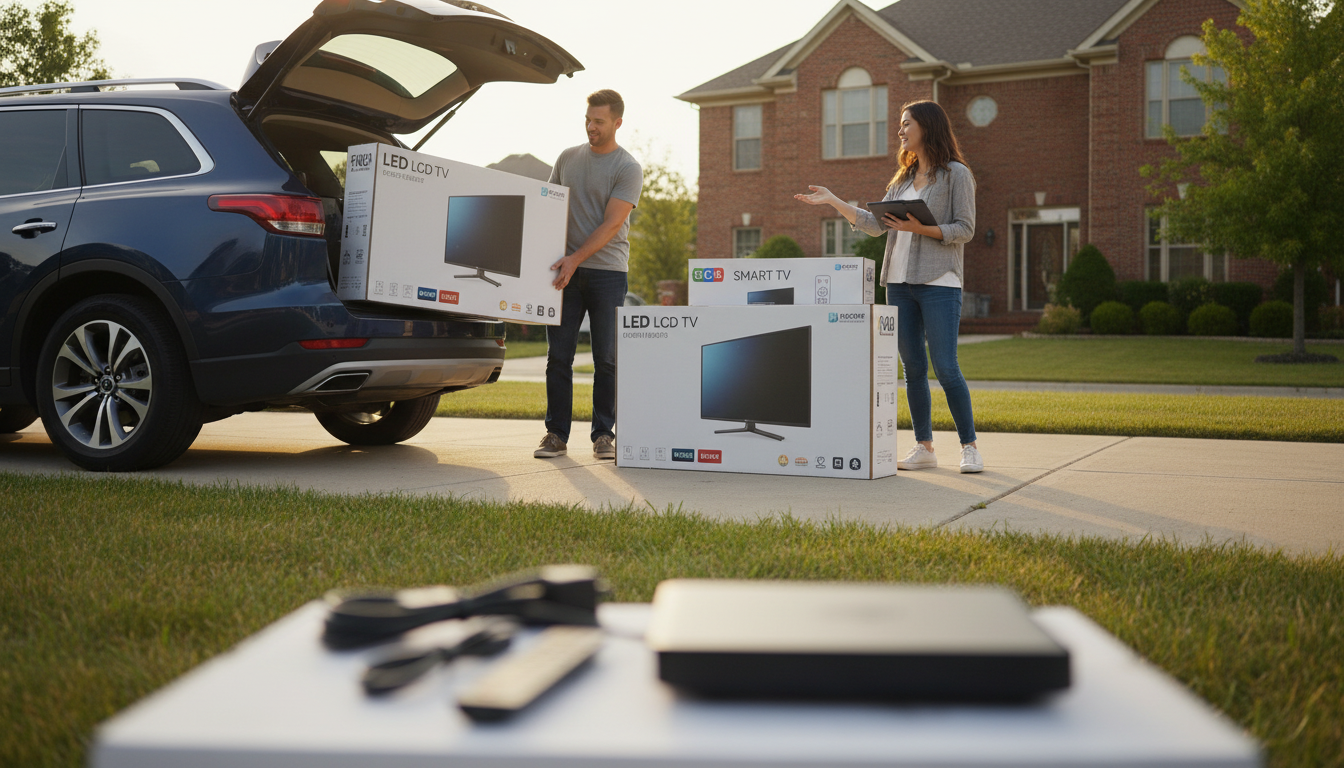
Not automatically. “LED LCD” describes the screen technology—an LCD panel with an LED backlight—while “Smart TV” describes built-in software that connects to the internet and runs streaming apps. Many LED LCD TVs are smart, but plenty are basic (non-smart) models that only handle inputs like HDMI and antenna channels.
How to tell if your LED LCD TV is smart
A smart TV typically has a home screen or app menu for services like Netflix, YouTube, or Hulu; built-in Wi‑Fi or an Ethernet port; and settings for network connections. If the remote has dedicated app buttons or there’s an “Apps” or “Smart” button, that’s another strong sign. On the other hand, if the TV boots straight to a channel or HDMI input with no app dashboard and no network settings, it’s likely not smart.
What you can do if it’s not a smart TV
A non-smart LED LCD TV can still stream by adding an external device. Plug in a streaming stick/box (like Roku, Fire TV, Apple TV, or Chromecast), a game console, or a Blu‑ray player with apps, and the TV becomes “smart” through that device. This approach is often cheaper than replacing the TV and can provide faster updates and newer app support.
Why the labels get confusing
Retail listings sometimes bundle terms together, so “LED TV” gets used as a catch-all even when the main difference is the operating system and features. When shopping, look specifically for phrases like “Smart TV,” the OS name (Roku TV, Google TV, webOS, Tizen), and connectivity details to confirm what you’re getting.
For a deeper breakdown and quick checks you can use at home, visit the full guide here.
FAQ
How can I make a non-smart TV stream Netflix and YouTube?
Connect a streaming stick or streaming box to an HDMI port, then sign in to your apps on that device. Your TV will display the content while the streamer handles Wi‑Fi, apps, and updates.















Leave a comment